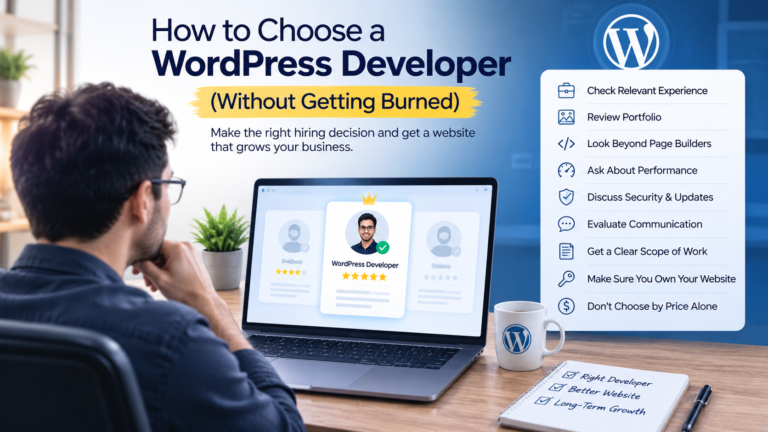
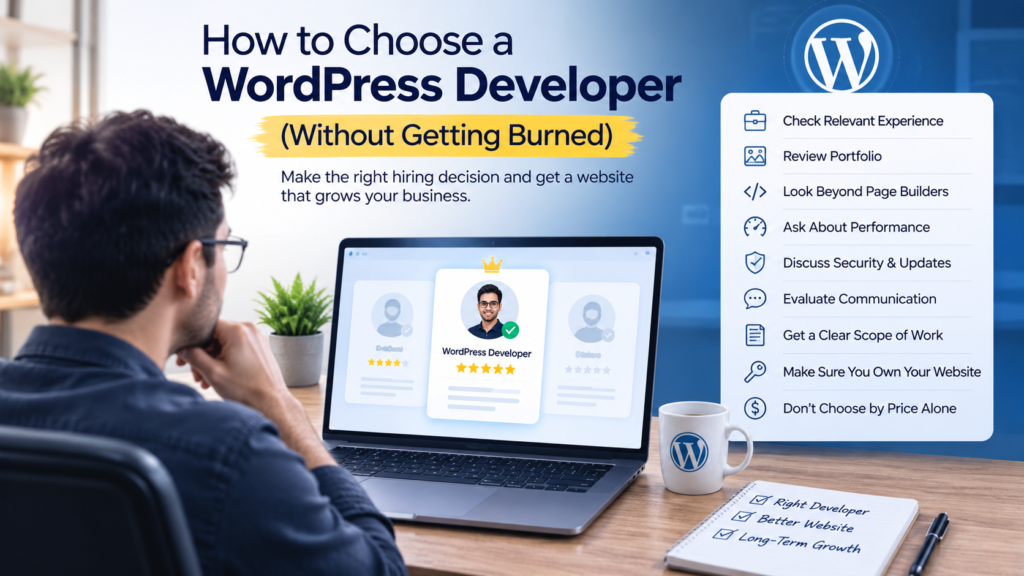
How Choose a WordPress developer comes down to five things: checking they’ve actually built sites like yours, understanding their pricing model before you agree to anything, asking direct technical questions instead of relying on their sales pitch, confirming what happens after launch, and treating slow or vague communication as a warning sign. Get those five right and you avoid the two most common outcomes of a bad hire: a website that looks fine but breaks constantly, or a project that stalls halfway through. The rest of this guide walks through each of those in detail, plus the questions worth asking and the mistakes that trip up most first-time hirers.
Why this decision matters more than it seems
The cost of getting this wrong isn’t just wasted money. It’s usually a site that needs to be rebuilt within a year, security issues that surface after launch, or a developer who disappears once the invoice is paid. A good developer, on the other hand, saves you from all three — and gives you a site you can actually manage going forward.
Step 1: Define your project before you start looking
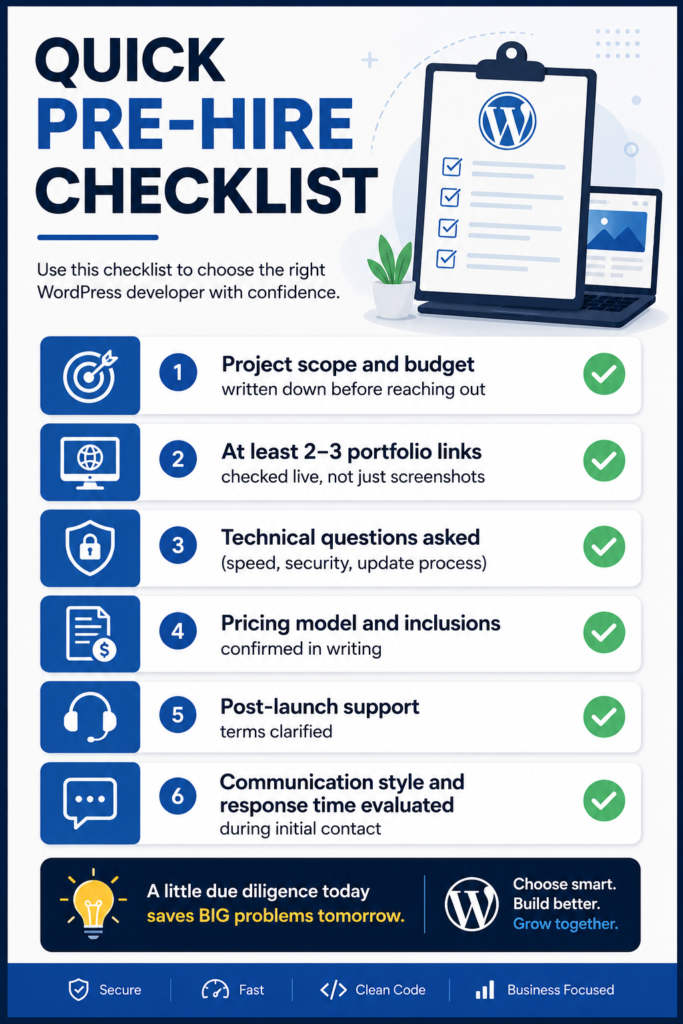
Before you contact anyone, get clear on what you actually need. Vague briefs lead to vague quotes, and vague quotes lead to scope disputes later.
- What the site needs to do (informational business site, online store, booking system, membership/LMS, etc.)
- Roughly how many pages or product listings
- Any existing brand assets — logo, colors, or a Figma design if you have one
- Whether you need ongoing content updates after launch, or a one-time build
- A realistic budget range and timeline
Step 2: Decide which hiring model fits your project
“WordPress developer” covers a wide range of setups, and each comes with different trade-offs.
| Hiring model | Best for | Trade-off |
|---|---|---|
|
Independent freelancer |
Small to mid-size projects, direct communication, tighter budgets |
You’re relying on one person’s availability and skill set |
|
Agency |
Larger projects, multiple moving parts, need for project management |
Higher cost, sometimes less direct access to the actual developer |
|
Freelance marketplace (Upwork, Fiverr, vetted platforms) |
Comparing multiple candidates quickly |
Quality varies significantly; vetting is on you |
|
In-house hire |
Ongoing, long-term development needs |
Only makes sense at a certain scale of ongoing work |
For most small and mid-size businesses, an experienced independent developer or a small specialized agency hits the best balance of cost, communication, and accountability. Marketplaces can work well, but only if you’re willing to actually vet the person behind the profile rather than picking based on star ratings alone.
Step 3: Ask questions that reveal real skill, not just confidence
Anyone can say “I’m an expert.” What separates a real WordPress developer from someone who installs themes and calls it development is how they answer specific questions. Worth asking:
- "Do you build with page builders, custom themes, or both?" There's no wrong answer here, but the response should be specific. Someone who works with Elementor should be able to explain when they'd recommend it versus custom development, not just say "I do it all."
- "How do you handle plugin conflicts or a broken update?" A real developer has a process — staging environments, backups before changes, testing on a copy of the site first. If the answer is "I just fix it when it happens," that's a site running without a safety net.
- "What's your approach to site speed?" Look for specifics: image optimization, caching, minimizing plugin bloat, choosing lightweight themes. Vague answers like "I make it fast" without explaining how are a sign they haven't actually diagnosed a slow site before.
- "How do you approach WordPress security?" Expect mentions of updates, login protection, backups, and reputable security plugins — not just "WordPress is secure by default."
- "Can you walk me through a project similar to mine?" This tells you whether they're pattern-matching from real experience or guessing.
Step 4: Review the portfolio properly — don't just skim it
A portfolio link is only useful if you actually check it. Open two or three of the listed projects and look past the screenshots:
- Does the live site still work, or is the link outdated?
- Is it fast? Run it through a free page speed checker.
- Is it responsive — does it hold up on a phone, not just a wide desktop screenshot?
- Does the design match what they're pitching you, or does every project look like a different person built it (a sign of heavy template reliance with no real customization)?
If a developer specializes in something relevant to you — Elementor, WooCommerce, LMS platforms, Figma-to-WordPress conversion — ask specifically for examples in that category rather than accepting their general portfolio at face value.
Step 5: Understand the pricing model before you agree to anything
WordPress developers typically price in one of three ways, and each affects how the project will actually run:
- Fixed price per project — clearest for both sides on a defined scope, but scope changes cost extra. Good for well-defined projects.
- Hourly rate — flexible for evolving projects, but requires trust and clear time tracking. Ask for estimated hours upfront even if billing is hourly.
- Package/tiered pricing — a set of predefined packages (basic, standard, premium) with fixed inclusions. Easiest to compare across developers, but check exactly what's included versus what counts as an add-on.
Whatever the model, get the following in writing before work starts: what’s included, number of revisions, delivery timeline, and what counts as “done.” This avoids the most common source of hiring disputes — mismatched expectations about scope.
Step 6: Confirm what happens after launch
A website isn’t a one-time purchase — it needs updates, security monitoring, and occasional fixes. Before hiring, ask directly:
- Is post-launch support included, and for how long?
- What happens if something breaks after that period — is there a maintenance package, or are you on your own?
- Will you be able to update content yourself, or does every change require going back to the developer?
A developer who’s vague about this, or acts like the relationship ends the moment the site goes live, is telling you something important about how they’ll handle problems down the line
Common mistakes to avoid how to a WordPress developer
- Choosing based on price alone. The cheapest quote is often cheap because corners are being cut on security, testing, or actual custom work.
- Not checking communication before hiring. How someone responds during the sales conversation is usually how they'll communicate during the project — slow, vague replies rarely improve once you've paid.
- Skipping a written agreement. Even a simple written scope and timeline protects both sides.
- Assuming a low star rating on a marketplace means low quality, and a high one means high quality. Ratings can be manipulated or simply reflect a small number of reviews. The portfolio and the conversation matter more.
- Not asking who actually does the work. On some platforms and at some agencies, the person you talk to isn't the person who builds the site. Ask directly.
FAQ'S
Costs vary widely based on project complexity, developer experience, and location — from a few hundred dollars for a simple site to several thousand for a custom eCommerce or LMS build. Fixed packages are usually easier to budget for than open-ended hourly work.
Freelancers generally work well for small to mid-size projects with direct communication and tighter budgets. Agencies suit larger projects needing project management across multiple people. Neither is automatically better — it depends on your project’s size and complexity.
A designer typically focuses on layout, visuals, and user experience. A developer handles the underlying code, functionality, plugin integration, performance, and security. Many professionals do both, but it’s worth confirming which skill set you actually need.
If your site will be built or maintained with Elementor, yes — Elementor-specific experience affects speed optimization, responsive behavior, and how cleanly the site can be extended later. If you’re open to custom development instead, this matters less.
Simple business sites are often completed in one to two weeks; larger eCommerce or custom-feature projects can take a month or more, depending on scope and revision rounds.